
UltConv Premium Music Converter
- Advanced Audio Processing Technology
- Convert Music to MP3 320 Kbps, FLAC, M4A without quality loss
- 10X Faster Audio Batch Conversion Speed
- Preserve Full ID3 Tags like Title, Album, Artist, and Artwork
- Convert Existing Audio Library for Any Device



Explore Amazing Features of Music Format Converter
Convert Music Format with Lossless Quality
UltConv Premium Music Converter enables users to convert Music to MP3 320 Kbps for offline enjoyment with no loss in audio quality. The audio files can be saved from the most popular music streaming services. Aside from that, it also provides various output format more than MP3, including M4A, WAV, FLAC, OGG, AAC, AIFF, MKA. UltConv ensures you get the original sound exactly as intended, making high-fidelity offline listening easier than ever.


10X Faster to Convert Music or Podcasts
Powered by advanced acceleration technology, UltConv Premium Music Converter lets you convert music, includes playlists, albums, or artist collections at blazing speed—up to 10X faster than traditional tools. Get your favorite tracks in seconds and enjoy offline playback without the wait.
Save Full ID3 tags Well Organize Music Library
UltConv Premium Music Converter keeps your music perfectly organized by preserving complete ID3 tags, including title, artist, album, track number, genre, and more. With all metadata intact, your converted songs are easy to sort, search, and manage—just like the originals.

3 Easy Steps to Convert Music to MP3
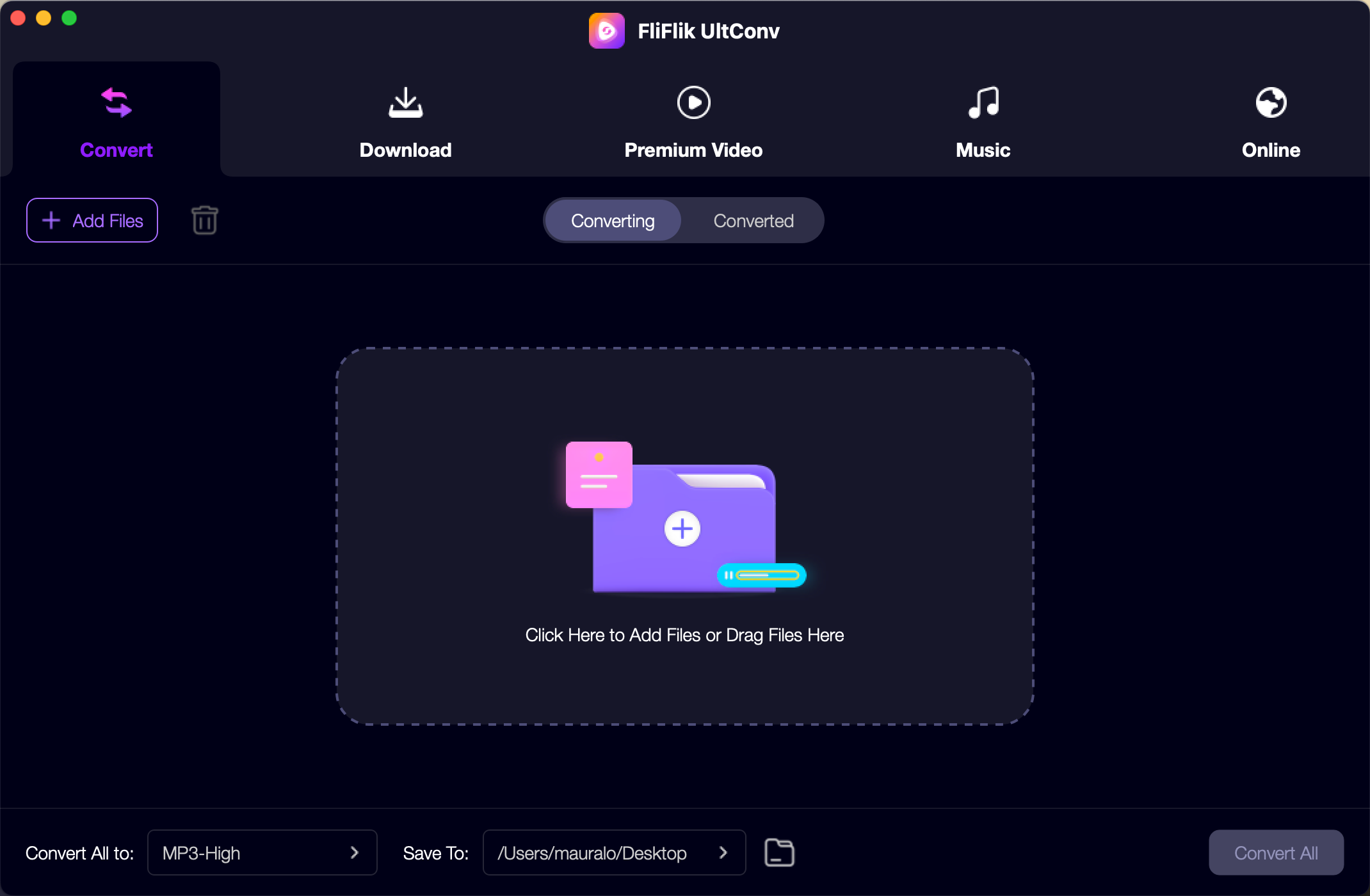
Open UltConv Premium Music Converter
Launch FliFlik UltConv, and open Music Converter in Premium Music section.
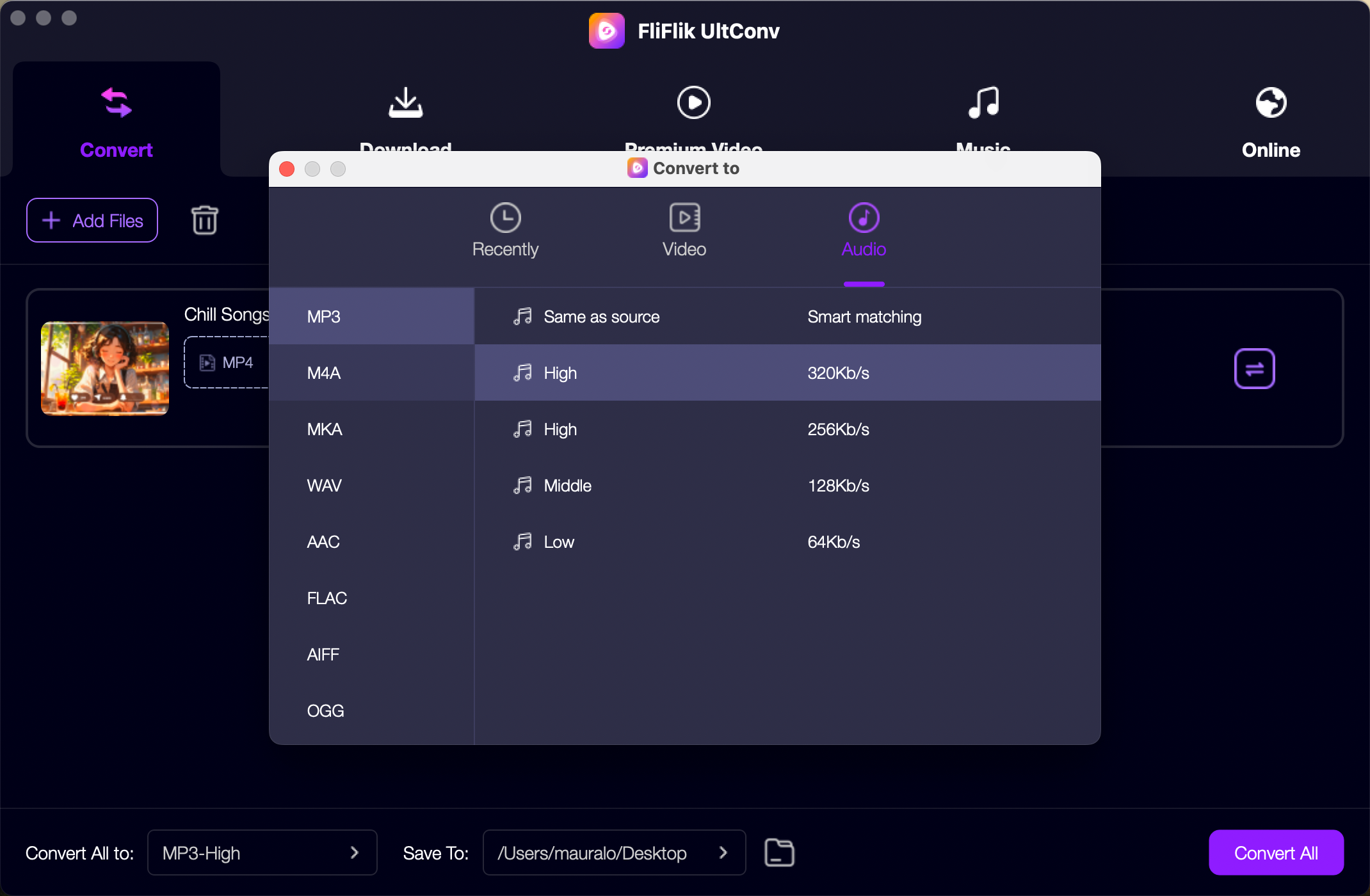
Login with your Account
Login to your Music account and set the output parameter, such as MP3 320kbps.
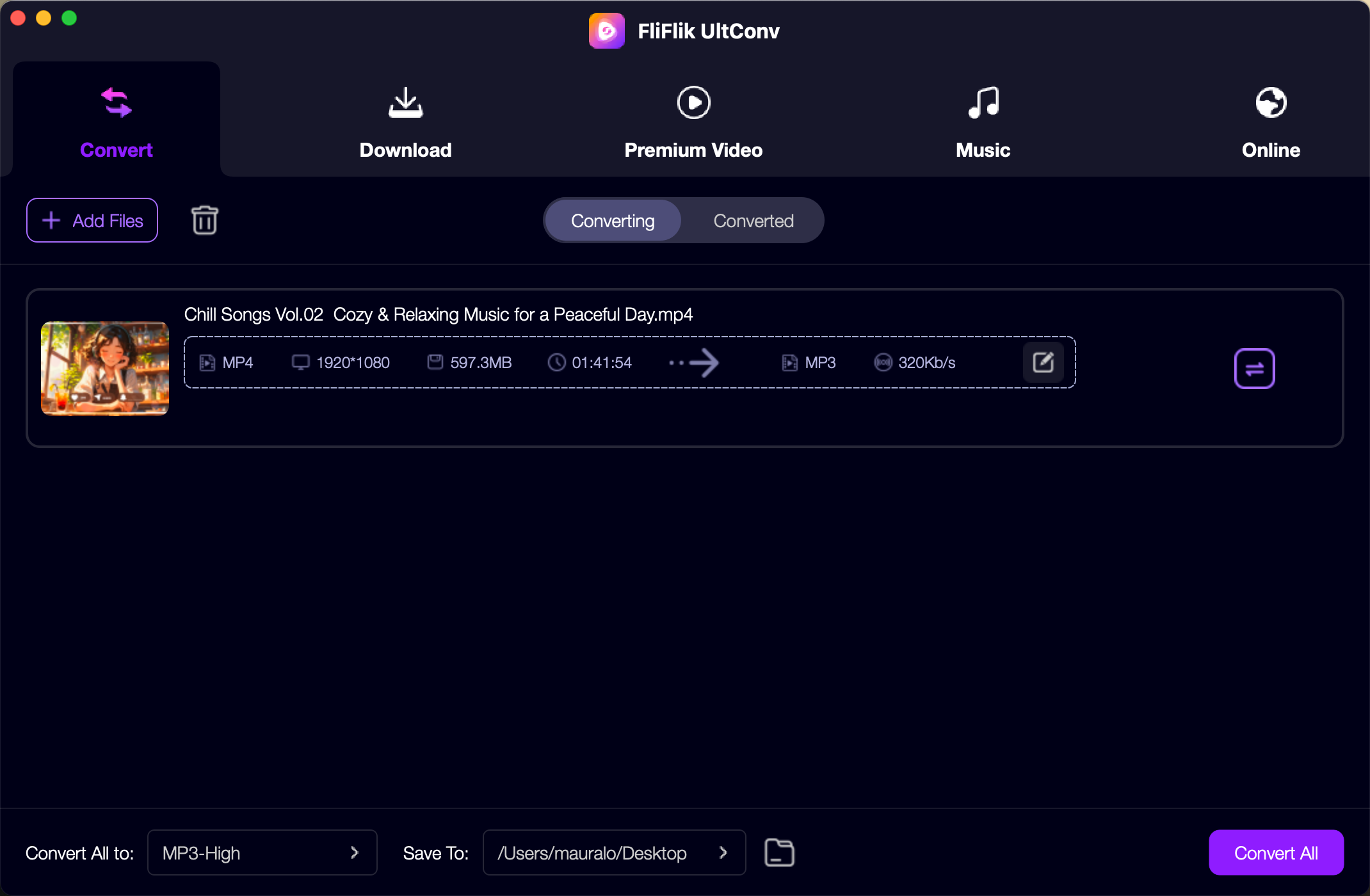
Convert Online Music
Find the music track or playlists you want to convert. By clicking on the convert button, this program will start analyzing and convert the music files.
Product Reviews

What I love most is that it keeps all the ID3 tags—album, artist, track number—so my music stays neat and searchable. Now I can easily transfer my playlists to any device.

Daniel K

As someone who doesn’t want to deal with complex tools, this app was a game-changer. Just one click and my playlists were saved in lossless quality. So convenient!

Emily T
I’ve tried a few converters before, but UltConv really stands out. It saved my entire Music library in just a few minutes and kept all the original sound quality. Totally worth it!

Jessica L

Get the Power of FliFlik UltConv Video Converter
Explore the potential of Premium Music Converter!