

 7 minutes read


Discord makes it easy to connect with friends, but when it comes to sharing videos, the file size cap can be a real headache. Even short clips or highlights might be too large to send. The simplest workaround is to use a video compressor for Discord, which reduces the file size while keeping your video quality intact.
In this article, we’ll highlight the seven different Discord video compressors for 2026, so whether you want something simple or advanced, you’ll find the right fit. We’ll also share a bonus tip on how to save videos from Discord for free and clear up some common questions to make sharing videos a smoother experience.

Part 1. Quick Overview of 7 Bset Video Compressors for Discord
| Tool | Type | Compression Speed | Format Support | Batch Compress | Adjustable Settings | Free & Paid | Easy to Use |
|---|---|---|---|---|---|---|---|
| FliFlik UltConv | Desktop | Super Fast (GPU) | 100+ Formats | ✅ | ✅ | Free | ⭐⭐⭐⭐⭐ |
| HandBrake | Desktop | Fast | MP4, MKV, WebM… | ✅ | ❌ | Free | ⭐⭐ |
| Any Video Converter | Desktop | Medium to Fast | MP4, MKV, MP3… | ✅ | ✅ | Paid | ⭐⭐⭐⭐ |
| FFmpeg | Command Line | Medium to Fast | MP4, MKV, MP3… | ✅ | ❌ | Free | ⭐⭐ |
| 8mb.video | Online | Slow | MP4, MOV, WebM | ❌ | ❌ | Paid | ⭐⭐⭐⭐ |
| FreeConvert | Online | Medium | Common Formats | ❌ | ❌ | Paid | ⭐⭐⭐⭐ |
| VidFix | Online | Slow | Common Formats | ❌ | ❌ | Free | ⭐⭐⭐⭐ |
Part 2. Top 4 Desktop Video Compressors for Discord
Desktop software can give you more control than online tools if you share videos a lot. They can handle bigger files, have more advanced settings, and usually run faster. Here are four solid options:
1. FliFlik UltConv Video Compressor
FliFlik UltConv is a robust desktop software desiged for seamless video conversion & download, and high-efficiency compression. For users looking for a free way to optimize file sizes for Discord, FliFlik UltConv offers a highly flexible compression module. It supports over 100+ input formats and provides a “one-click” batch processing feature, allowing you to compress multiple videos simultaneously.
Similar to professional encoders but with a much simpler interface, UltConv allows you to adjust output settings precisely to meet specific platform requirements, no matter compress video for Discord’s file limits, or compress a video file for email. Beyond its core compression capabilities, it serves as an all-in-one media assistant, enabling you to download media file from 10,000+ sites and convert videos into various formats like MP4, MKV, or MP3, ensuring your content is perfectly tailored for any device or application.

- Batch compress multiple videos at once
- Supports compressing video & audio in 100+ formats
- Supports preview compression quality before you save
- Adjustable compression setting for more accurate file size
- Unlimited file processing for all your compression needs
- 100% free compression features with no hidden charges
▼ How to Compress Discord Videos with FliFlik UltConv Video Downloader
-
Download and install FliFlik UltConv Video Downloader on your computer (Windows or Mac).
FREE DOWNLOAD![secure download]() Secure Download
FREE DOWNLOAD
Secure Download
FREE DOWNLOAD![secure download]() Secure Download
Secure Download
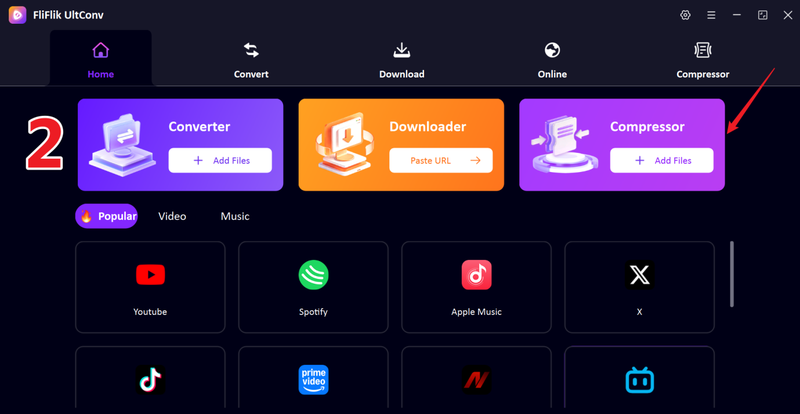
Open the program, launch the Compressor section, drag and drop the video file you want to compress into the UltConv window.
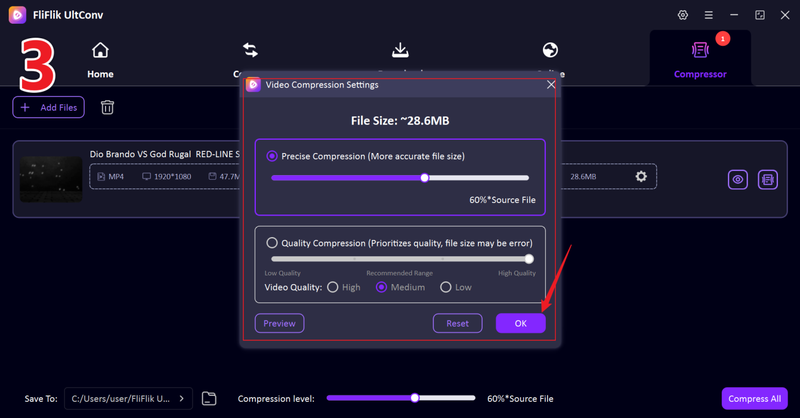
Adjust the compression setting based on the file size or quality you want; you can also preview the compressed video quality before compressing. After the adjustment is finished, click OK to confirm your setting.
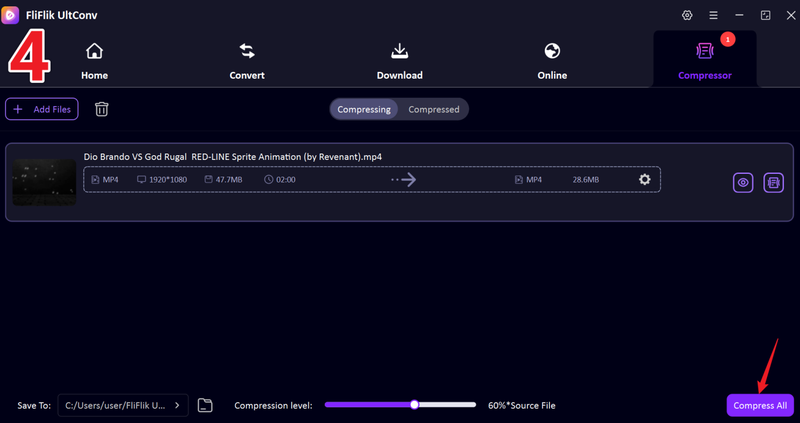
Click Compress All to start compress the video file.
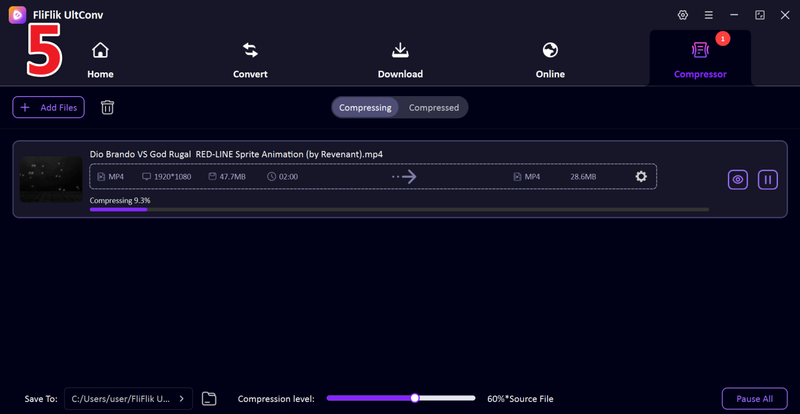
Then your video will start to compress. After the process finishes, go to the Compressed tab to view and access your compressed video file.
2. HandBrake
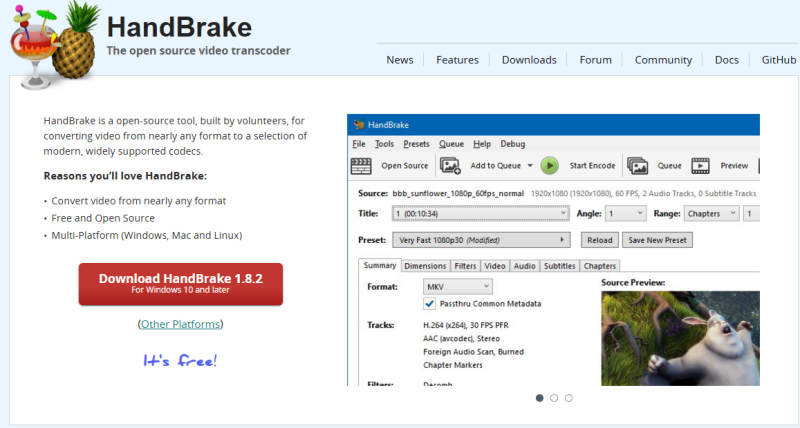
HandBrake is a free, open-source video compressor that works on Windows, macOS, and Linux. It works with almost all video formats and lets you change the resolution, bitrate, and file size. People who want good results without spending any money love it.
👍 Pros- Free to use.
- Available for Windows, macOS, and Linux.
- Efficiently queues multiple files for processing.
👎 Cons- Complex interface that intimidates beginners.
- Supports only MP4, MKV, and WebM.
- High CPU demand during high-quality encoding.
3. Any Video Converter
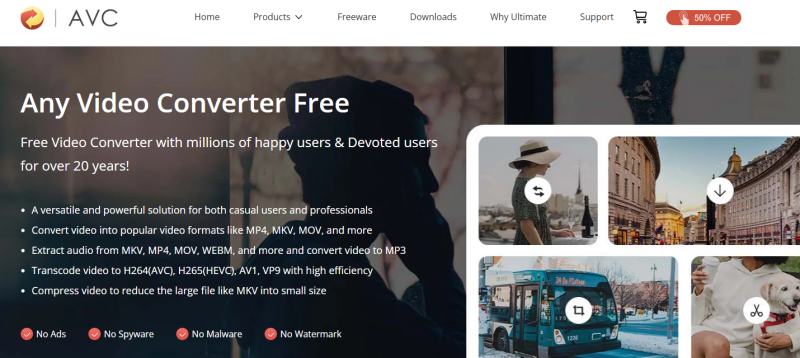
Any Video Converter is beginner-friendly and comes in both free and paid versions. It can change files into different formats, add subtitles, or even download videos from the internet, in addition to compressing videos for Discord. If you want a video toolkit that does everything, this is a great choice.
👍 Pros- Intuitive design suitable for beginners.
- Spports batch processes multiple videos simultaneously.
- Customize the output file size
👎 Cons- Need upgrade to Pro to unlock full features.
- Occasional crashes reported during large batch tasks.
4. FFmpeg
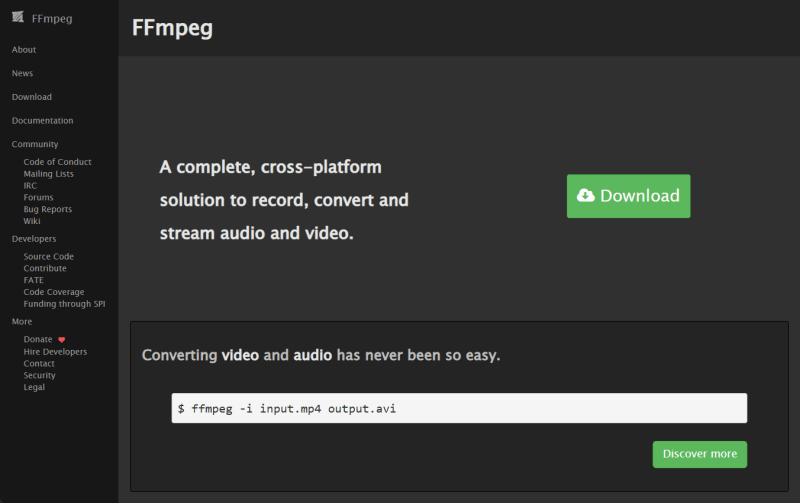
Professionals love FFmpeg, a powerful command-line program. It can accurately compress, change, and edit videos. It takes some time to learn, but it’s one of the most useful and dependable tools available. Once you get the hang of it, it’s easy and quick to compress videos for Discord.
👍 Pros- Entirely free and open-source with no limits.
- Extremely lightweight and fast execution via command line.
- Easily trim, crop, and merge clips before compressing.
👎 Cons- Too difficult for non-technical users.
- No visual preview of compression results.
- Manual setup required for batch processing scripts.
Part 3. Top 3 Online Video Compressors for Discord
Online tools are the easiest way to compress videos for Discord if you don’t want to install anything. They save you time and work right in your browser. Here are the 3 best tools we recommend you use.
1. 8mbvideo
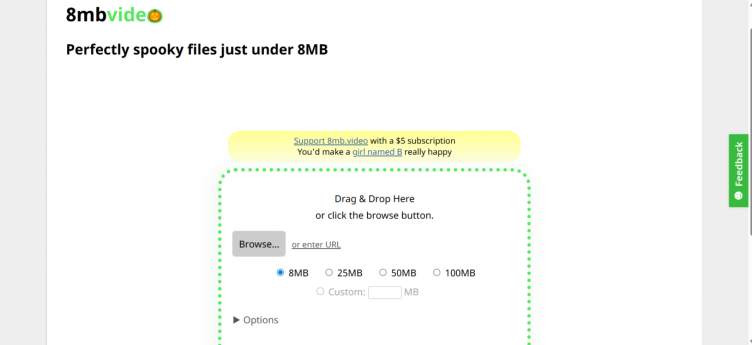
8mb.video is one of the most popular online tools that people who use Discord can use. It quickly compresses videos so that they can be uploaded to Discord, which has an 8MB limit. You don’t have to sign up or install anything. Just upload your video, choose a size, and then download the compressed file. It doesn’t cost anything, it’s quick, and it’s very easy to use.
👍 Pros- Free to try without creating an account.
- No software installation required.
- Simple interface with one-click compression.
👎 Cons- Limited support for advanced video codecs and settings.
- Custom size option requires a paid plan.
- No batch processing for multiple videos at once.
- Too slow process speed.
2. FreeConvert
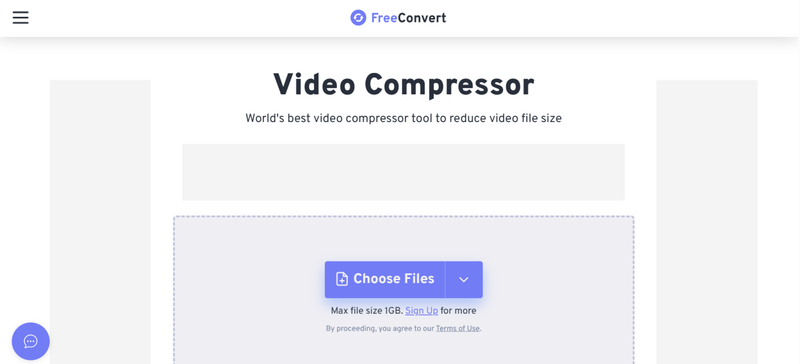
Another great online video compressor for Discord is FreeConvert. It works with a lot of different file types and lets you change the size, resolution, and quality of videos. It’s simple to use the site, and you can compress videos for Discord in just a few clicks. The best part is that you can choose between automatic compression and advanced settings if you want to have more control.
👍 Pros- Accessible from any browser without software installation.
- Advanced settings for bitrates, codecs, and resolutions.
- Supports upload files from Google Drive and Dropbox.
👎 Cons- Limited features in free version.
- Too slow speed and long wait time.
- Intrusive ads visible on the free tier website.
3. VidFix
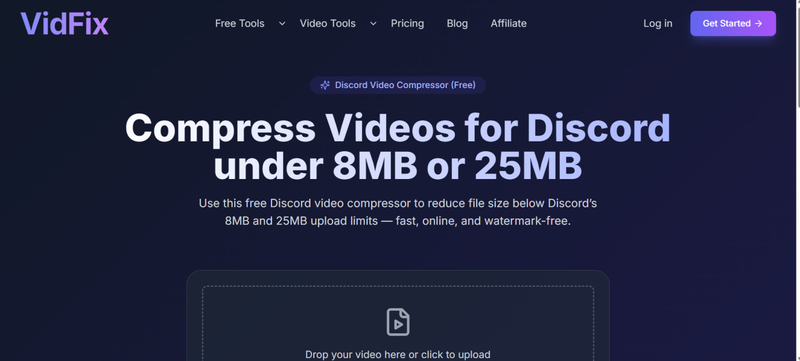
VidFix is made just for compressing videos on Discord. It focuses on compressing your videos without losing too much quality. It’s easy: just upload your file, choose the output you want, and then download the video that has been compressed. It’s an easy way to check that your clips are ready for Discord.
👍 Pros- No software installation need.
- Free use with no hidden fee.
- Simeple interface and easy to use.
👎 Cons- Free to use with no hidden fee
- Very limited manual control over customizable settings.
- Without batch processing features
FAQs
Q1. How to compress a video file for Discord?
You can use software on your computer or an online tool. You can easily compress your video on Discord by uploading it, choosing the right resolution (720p or 480p works well), and then downloading the smaller file. After that, you can share it on Discord without going over the size limit.
Q2. Which one is the best video compressor for Discord?
It all depends on what you need. Online tools like 8mb.video are great if you need something fast and simple. Desktop apps like HandBrake or Any Video Converter are the best choice if you want more control over formats and quality.
Q3. Can I compress video for Discord on my phone?
Yes. You can shrink video sizes right on your phone with a lot of mobile apps and online compressors. Upload your video, change the size or resolution, and then download the smaller version before sending it on Discord.
Conclusion
Discord’s file size limit often gets in the way when you just want to share videos with friends or your community. A good video compressor for Discord is what makes all the difference. From quick online tools to powerful desktop software, there is something for everyone. You can use these tools once or compress videos regularly.
And if you ever want to compress video size for Discord, or save videos from Discord and other platforms, FliFlik UltConv All-in-One is your go-to choice. It’s not just a compressor, it’s an ultimate media hub that lets you download, compress and convert videos at clicks. With the right tools, sharing and saving videos for Discord becomes easy. So, compress what you share, download what you love, and keep every moment in the best quality possible.
FREE DOWNLOAD![secure download]() Secure Download
FREE DOWNLOAD
Secure Download
FREE DOWNLOAD![secure download]() Secure Download
Recent stories by Rowan Ellis:Rowan Ellis
Secure Download
Recent stories by Rowan Ellis:Rowan EllisHello, I research and introduce useful solutions for AI videos, images, and audio tips in our daily life. If you learn these things, you can easily deal with the problems of the new era.



